Social Media for Municipalities
Your residents are already on social media. Your municipality should know how to meet them there.
Social media can be one of the simplest ways to keep residents informed, share timely updates and direct people back to reliable information on the municipal website.
MunicipalReady helps local governments establish, organize and maintain a professional social media presence — with the right setup, the right access, practical training and clear guidance for staff.
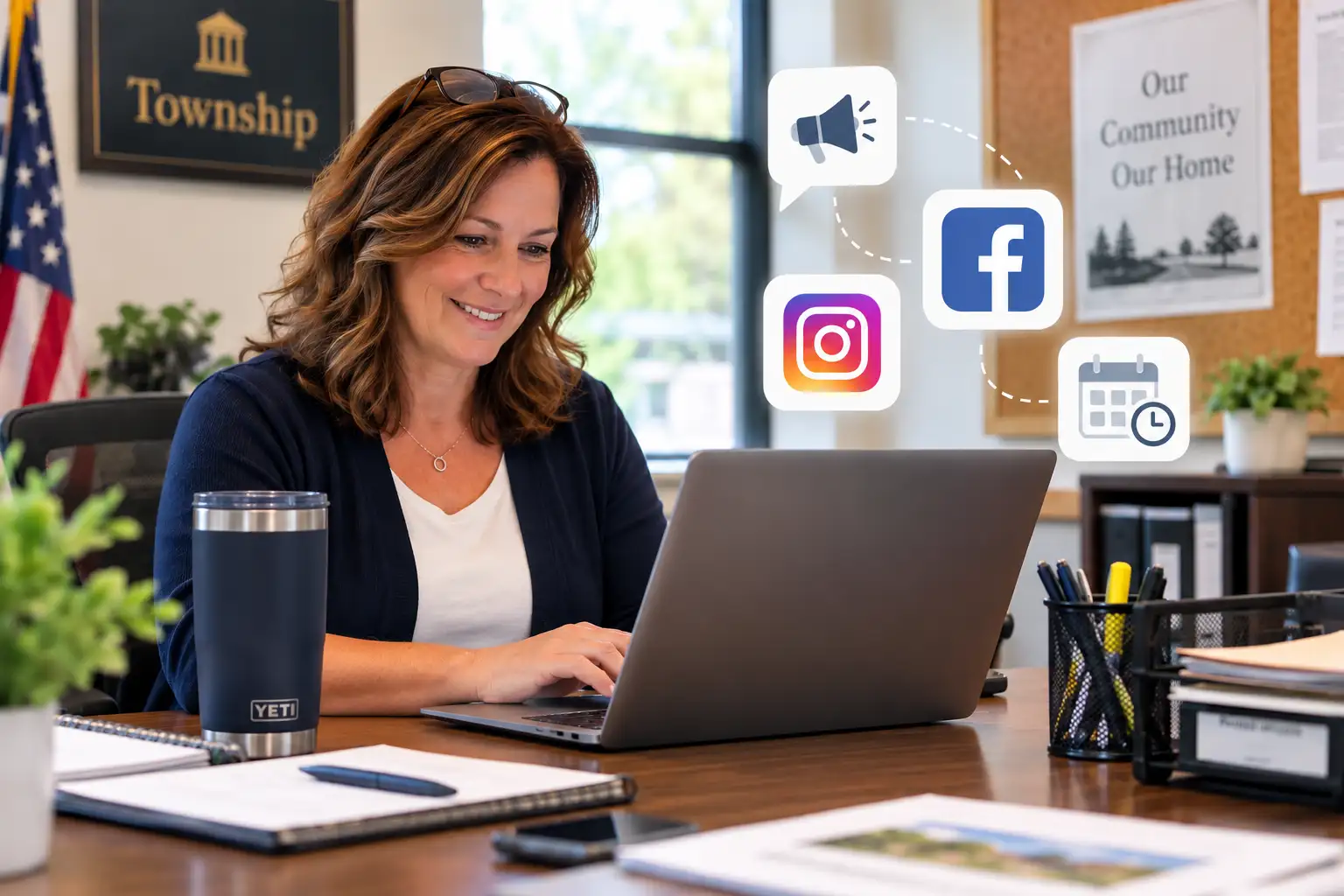
Set It Up Properly
A municipal social presence should be professional from the start.
Creating a Facebook Page is easy. Setting it up in a way that staff can safely manage over time takes more thought.
MunicipalReady can help establish the right accounts, access, branding and management structure so the municipality is not dependent on one person’s personal login or memory.
Official Page Setup
Review or establish the municipality’s official Facebook presence and make sure basic public information is complete.
Meta Business Suite
Organize access through the appropriate Meta tools so staff can manage posts, messages and scheduling more professionally.
Staff & Administrator Access
Make sure the municipality understands who has access, what level of access they have and what happens when staff changes.
Branding & Profile Information
Use consistent logos, cover images, contact information and links so residents know they are looking at the official page.
Website Connection
Make sure the social profiles clearly connect back to the municipality’s website and important resident information.
Basic Account Security
Review access practices and help reduce the risk of the municipality losing control of an account.
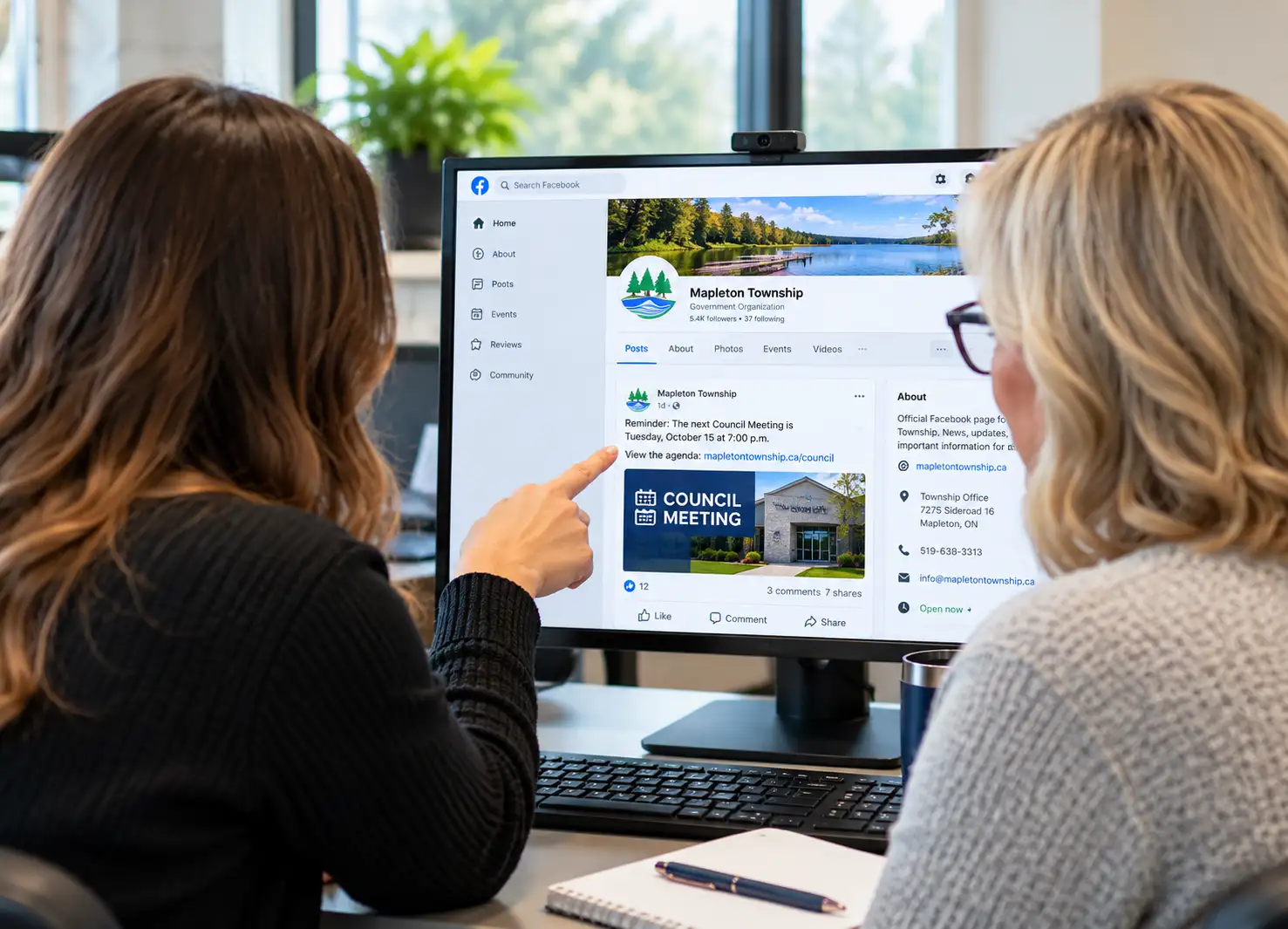
Staff Training
You should not need a social media expert on staff.
Most clerks and municipal staff already have plenty to manage. Social media should not become another complicated system.
MunicipalReady can train staff on the practical tools and workflows they actually need, without turning the process into a marketing seminar.
Learn how to create clear updates, add links and photos, edit posts and remove outdated information when necessary.
Use Meta Business Suite and Planner to prepare posts in advance instead of trying to remember everything on the day it happens.
Understand the basic differences between posting from a computer, phone and the Meta Business Suite tools.
Learn practical ways to monitor comments, respond professionally and avoid getting pulled into unnecessary online arguments.
Understand simple engagement and reach information without getting buried in marketing analytics.
Reduce accidental personal posting, confusing account access and other everyday social media problems.
Staff should understand the tools well enough to communicate professionally without feeling like social media has become another full-time job.
Comments & Public Interaction
Social media should support communication. It should not create another headache.
Comments are often the part of social media that makes municipal staff the most uncomfortable.
MunicipalReady can help staff establish practical procedures for monitoring comments, responding professionally and knowing when an issue should move out of the comment section.
“When does early voting begin?”
Provide a short answer and link to the official election information on the municipal website.
“Why has this road not been fixed yet?”
Acknowledge the concern, provide useful information if available and direct the resident to the appropriate contact or official update.
“You people never know what you’re doing.”
Do not get pulled into a public argument. Follow the municipality’s established moderation and escalation process.
Website First. Social Second.
The municipal website should remain the source of official information.
01
Website
Official information lives here.Complete notices, forms, meeting information, election details and municipal services.
02
Social Media
Helps spread the message.Timely posts, reminders and updates direct residents back to reliable municipal information.
03
Residents
Know where to find the details.Social media gets attention. The website gives residents a dependable place to learn more.
It works best when it supports a clear, current and accessible municipal website.
Ongoing Help
Get the setup right. Then get help when you need it.
Some municipalities may only need help getting started. Others may want periodic support as staff, platforms and communication needs change.
MunicipalReady can help with setup, staff training, account reviews, troubleshooting and practical guidance without requiring the municipality to outsource every social media post.
Review existing accounts, access, branding and management structure.
Help staff understand the tools, workflows and everyday responsibilities.
Revisit settings, access and procedures as staff or platform features change.
Provide practical support when an account, tool or workflow becomes confusing.
Why Social Media Matters
Your website is the source. Social media helps people find it.
Residents do not always start on the municipal website. Many will see a Facebook post, a shared notice or a community update first.
A professional social presence gives the municipality another way to distribute important information while directing residents back to the official website for the complete details.
01
Municipal Website
Official information lives here.Meeting notices, election information, forms, programs, services and public updates have a reliable home.
02
Social Media
Helps distribute the information.Posts, reminders and updates put municipal information in places residents already check throughout the day.
03
Residents
Get information where they already are.Social media creates another path to current, useful and authoritative municipal information.